
Set up your OcuTrap R2
Set up the OcuTrap R2: unbox, cut the shipping zip tie, mount the POD, insert the battery, add the trap in the app.
On this page
Applies to OcuTrap R2
The R2 ships with the door and the motor already installed.
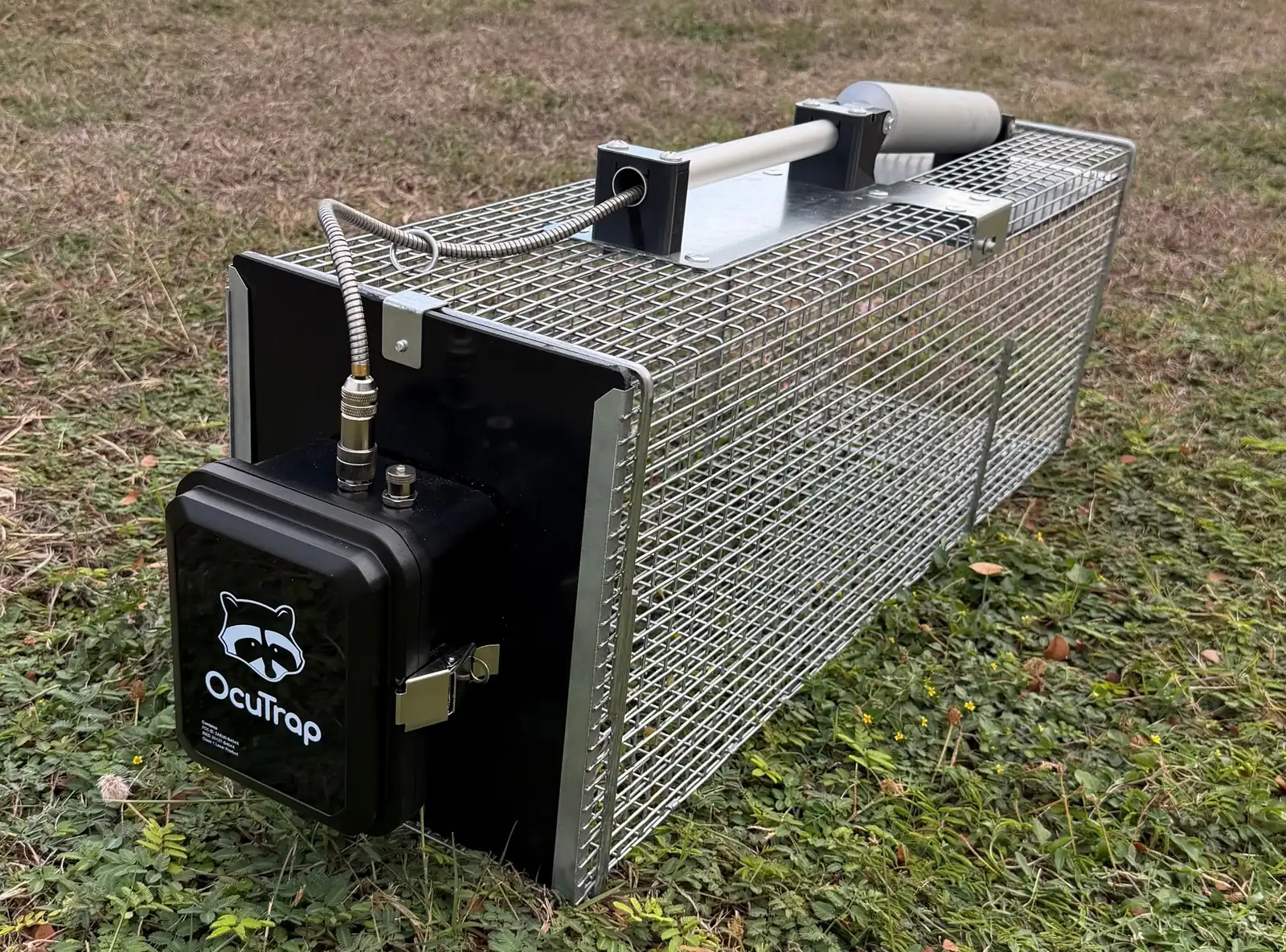
Have an R1? Its door, handle, and motor ship as parts and need assembly. See Hardware set up (OcuTrap R1).
Unboxing and inspection
Unpack the box and check that everything is there:
- Cage with the door and motor installed
- Parts box: battery, charger, POD, Quick Start Guide
Examine each item for visible damage. If anything is missing or damaged, stop and contact support@ocutrap.com with your Trap ID.
Charge the battery
Fully charge the blue battery until the charger light is green, using the accompanying charger found in the small white box. The R2 ships with the 5,200 mAh (56 Wh) pack and its 1 A charger. A full charge takes about 3 to 4 hours. Start it now so it is ready when the rest of the setup is done.
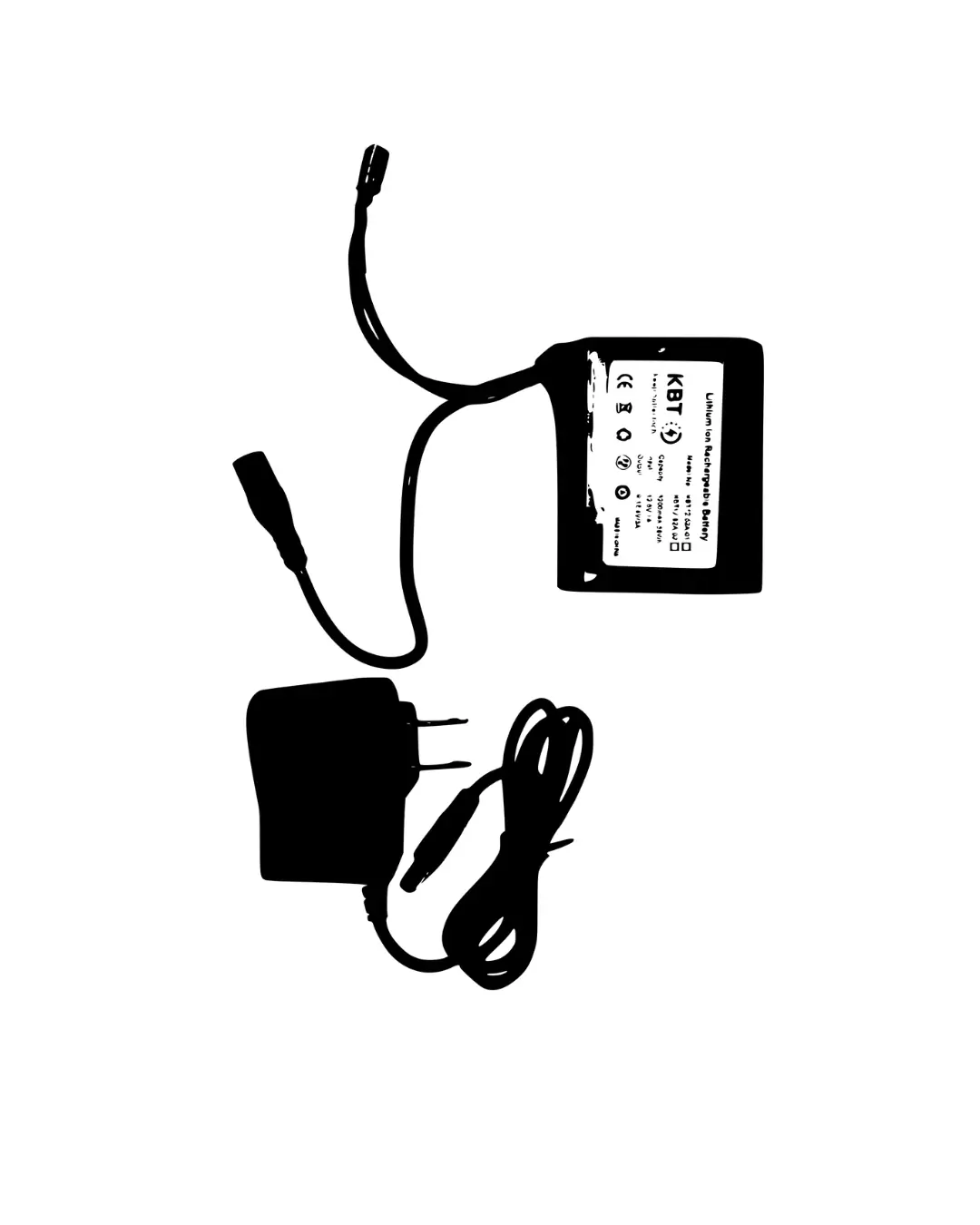
More on packs, chargers, and runtime: Battery overview.
Cut the motor zip tie
The motor is zip-tied to the cage for shipping. Remove the tie before you power the trap on.
- Cut the zip tie with snips or scissors.
- Pull the cut tie free and discard it.
Keep fingers clear of the door path. The door can swing once the tie is cut.
Cut the plastic zip tie only. Do not cut any wire.
Mount the POD on the back
The POD holds the camera, the sensor, and the electronics. It slides onto rails on the back of the cage.
Step 1: Mount the POD
- Slide the POD down the rails on the trap until it is in place.
- Attach the clip at the bottom to keep the POD in place.
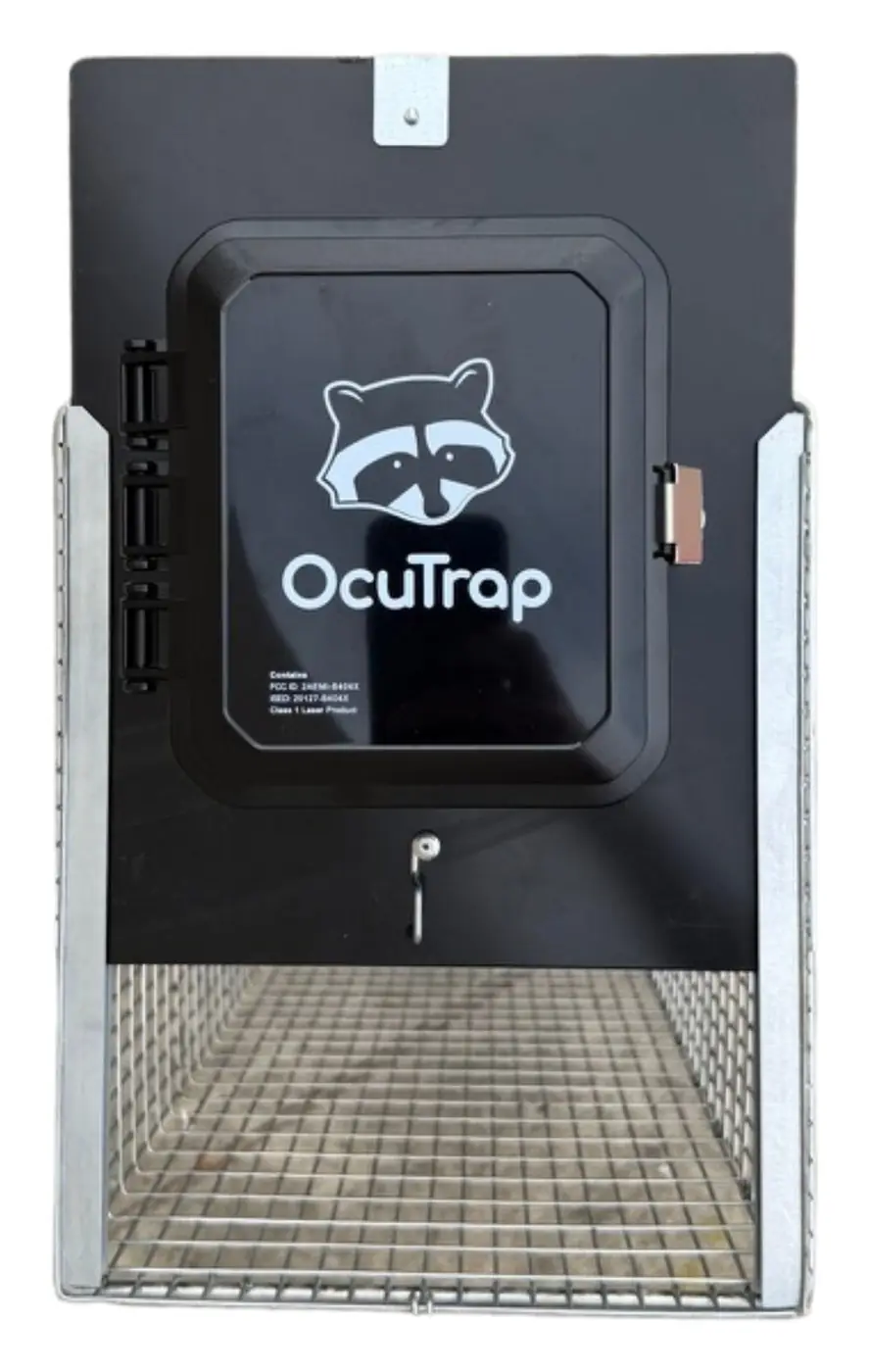
Slide the POD down the rails
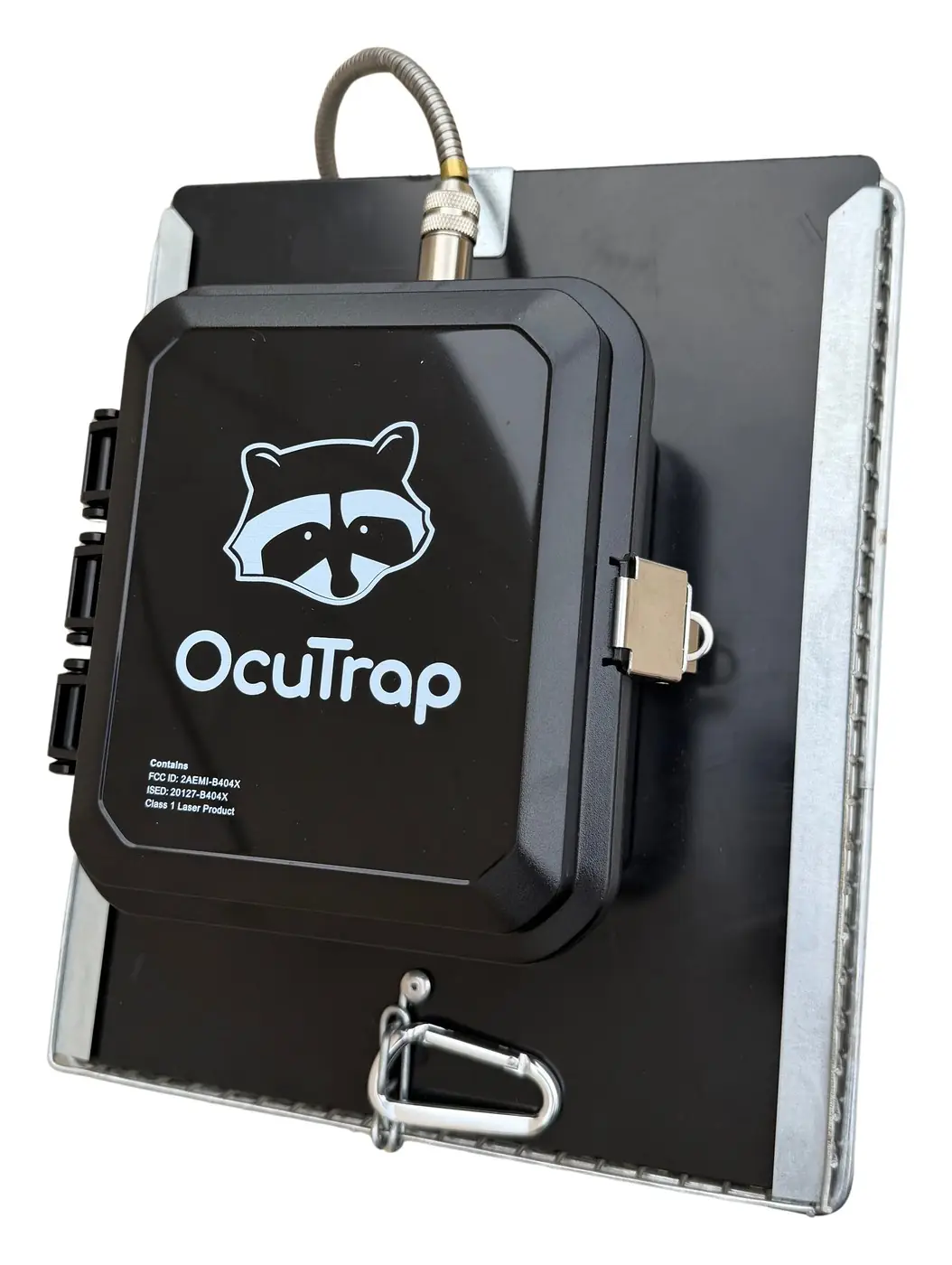
The clip at the bottom holds the POD in place
Step 2: Connect the wire to the POD
- Attach the motor’s wire to the POD using the locking screw connector, ensuring a secure connection.
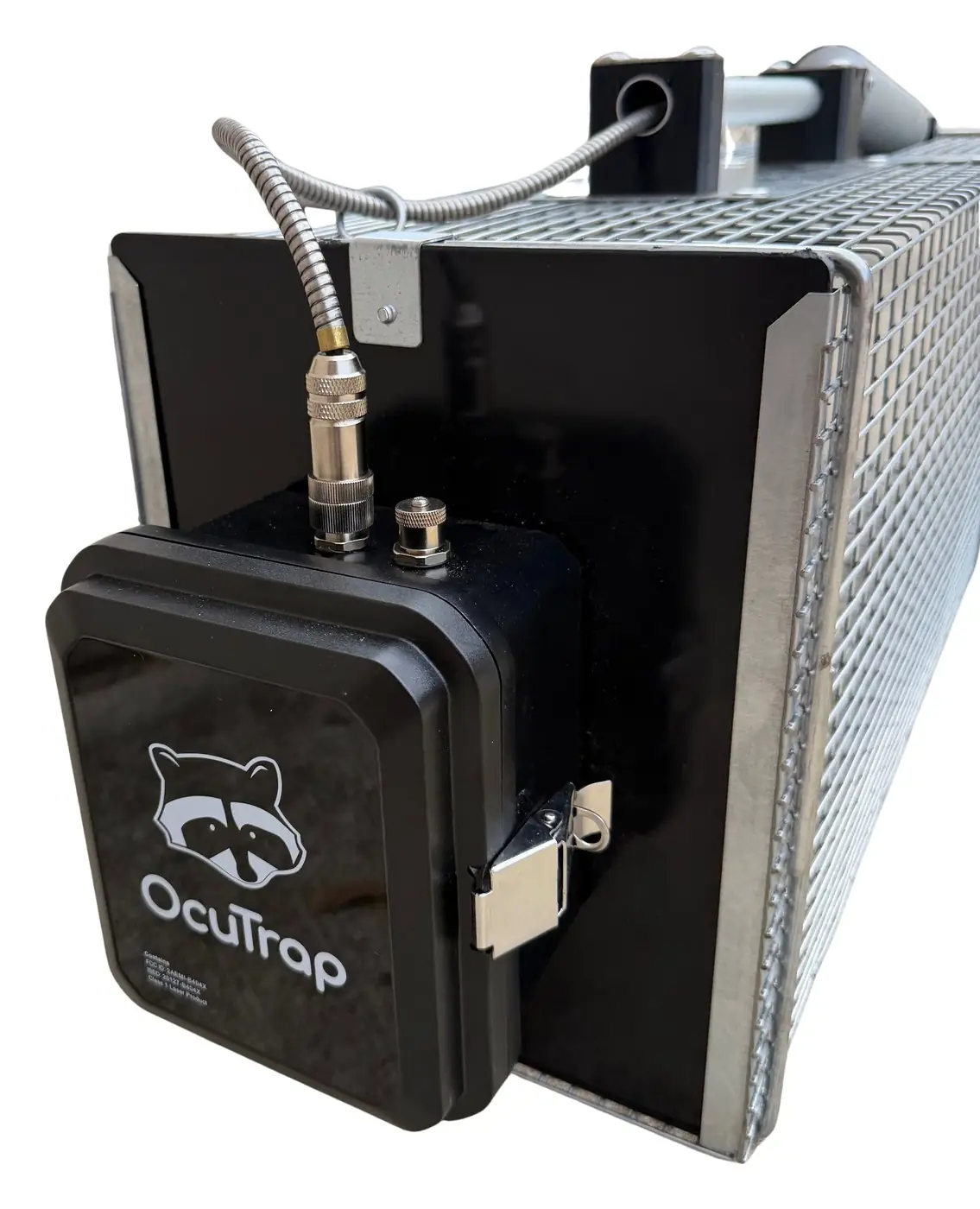
Motor cable screwed into the locking connector
If you have issues, see Common issues.
Insert the battery and power on
- Open the POD latch.
- Place the charged battery in the bracket at the bottom of the POD.
- Plug the battery into the POD using the yellow connectors. Push straight in until fully seated.
- Tuck the cables along the edge of the enclosure, clear of the door closing points.
- Close the latch fully to keep the POD weather-tight.
- Press the Power button to turn the trap on.
Watch the status LED. Breathing cyan means the trap is connected to the cloud. It does not show the arm mode. Finding cellular can take up to 10 minutes on first power-up. Every color and pattern: LED guide.
Which pack you have and how to tell the app about it: Battery overview. Every button sequence at the trap: Using the buttons on the trap.
Next: add the trap to your account, then place it.
Deploying your trap in the field
The battery and app screenshots apply to both models.